


October 2026
Welcome to Send Help!
Your monthly lifeline from the WordFly support team, featuring tips and tricks, new product release info, and much more. Fill out our survey to tell us how we can help you send better!

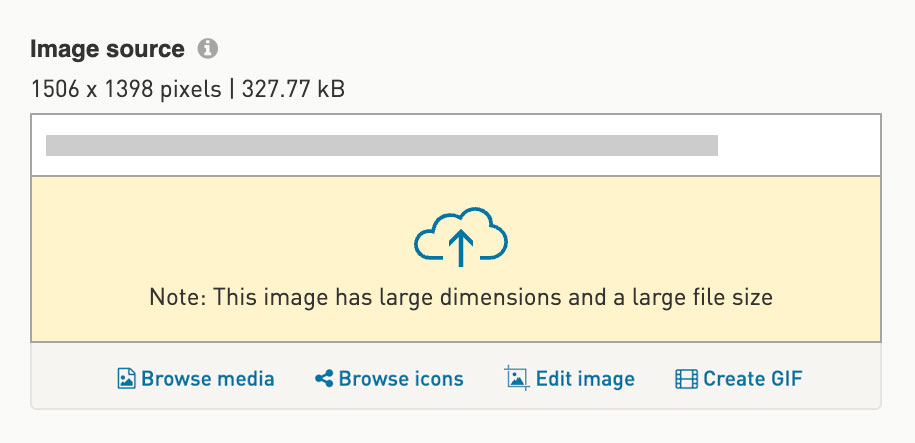
This image exceeds the best practice guidelines.
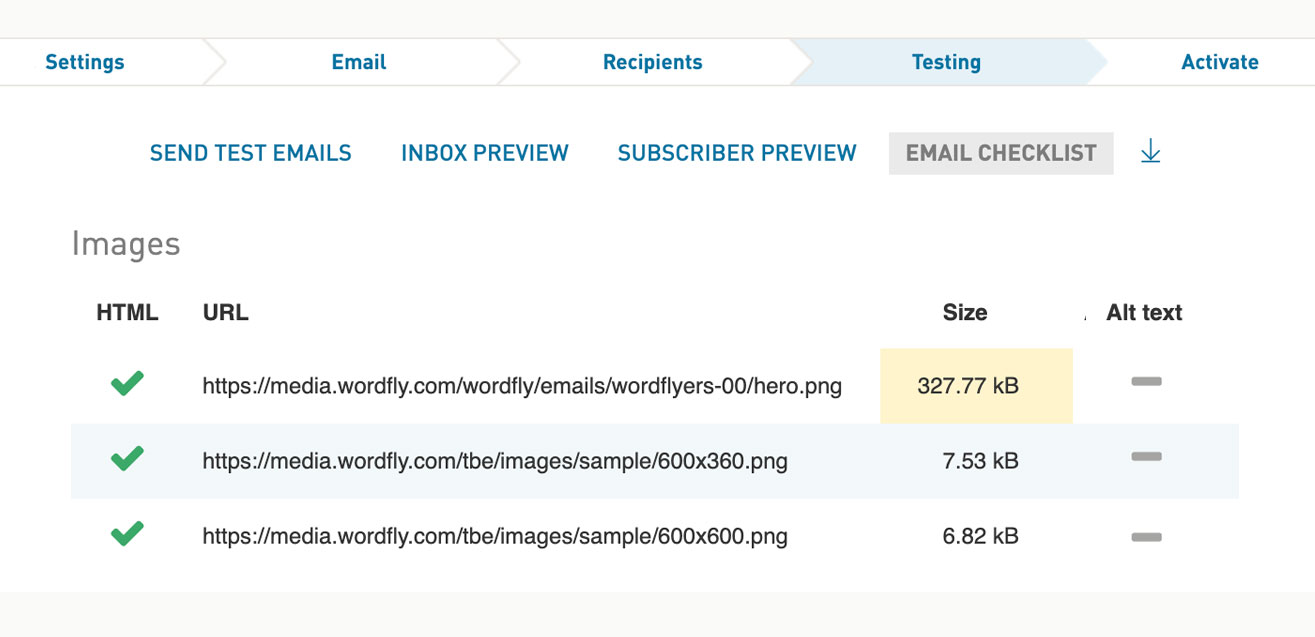
The large size is highlighted in the email checklist.
feature spotlight
SMS
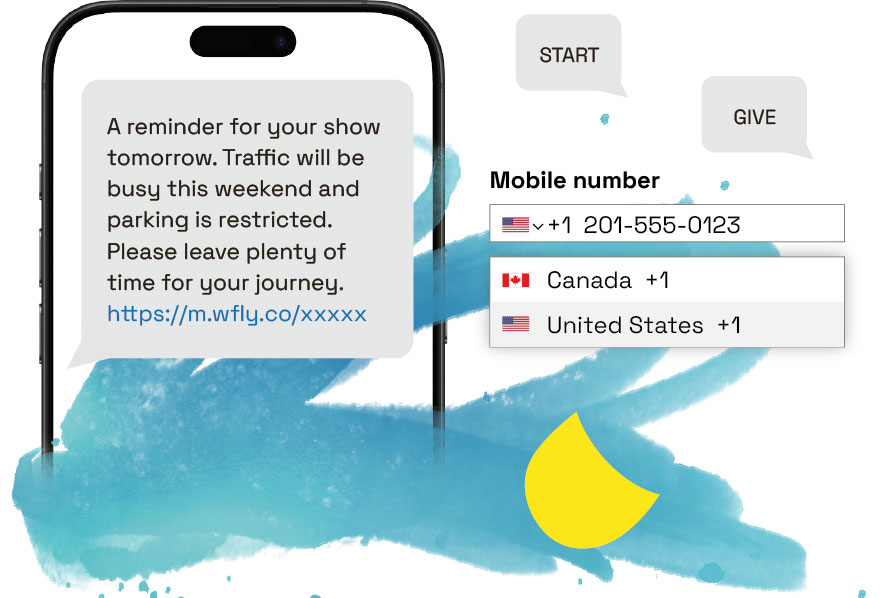
WordFly SMS is available in USA, Canada, UK, and Australia and can be used with or without an integration! If you’re looking to deepen audience engagement and get your messages seen immediately, then look no further than SMS.
To get started or ask questions, contact us at support@wordfly.com.
🚀 Fresh features!
Last week we launched a new tool for building carousel animations directly inside the editor, the option to undo/redo design edits, and much more!


Three things you can do this month
Are your links secure?
This month Google is releasing an update that requires user permission before accessing a site without a secure (HTTPS) link. Before you hit send, double-check all your links — even your footer.
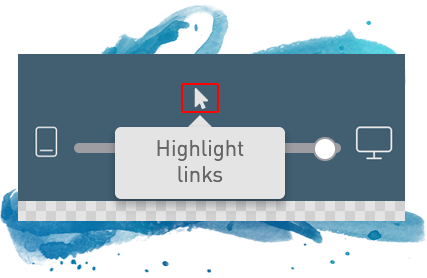
WordFly makes it easy! Select the Highlight Links tool and hover over each link to ensure it is inbox-ready.
Learn more about this update →
Give conditions a try
Conditions give you a powerful way to send personalized content to each subscriber, saving you and your team time and effort!
All the details you need →
New to WordFly?
If you’re just getting started, check out our design recommendations so your emails look like they’re coming from a seasoned pro!
Email design best practices →

Bonus tip!
Did you know we release updates to WordFly every 6-8 weeks, and most of the updates come from customer feedback? For quick access to the latest product updates, click What’s New in your WordFly account’s header bar –or– open the footer navigation at the bottom of the page and click Release Notes.


Team WordFly is here to help! Do you need training, advice, or just want to nerd out about email and SMS? Get in touch. It’s free, friendly, and 100% human.